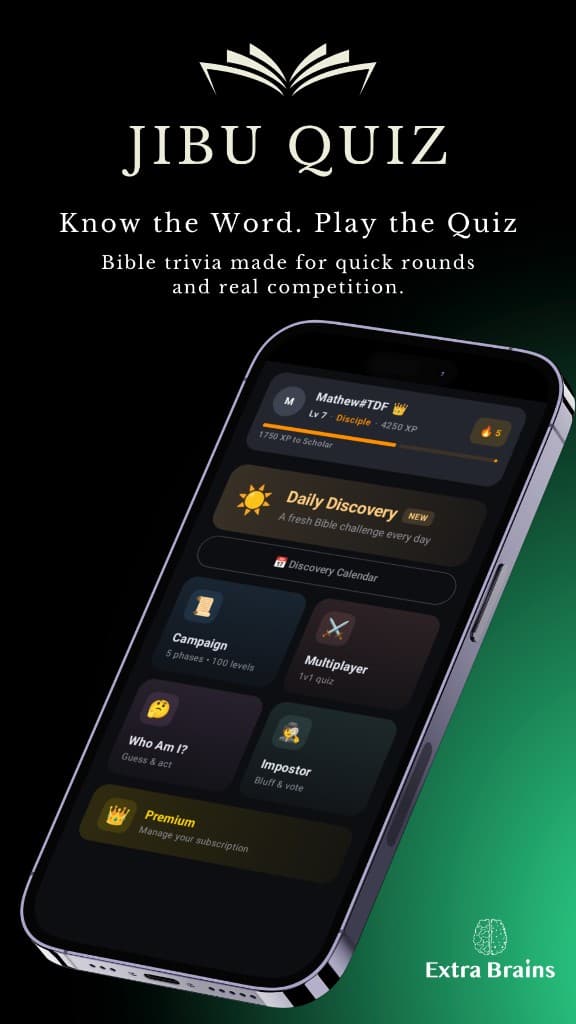
Home
Daily Discovery, Campaign, Multiplayer, party modes, and Premium — all from one screen.


Jibu Quiz
Cross-platform Bible knowledge game with solo, online, and in-room party experiences. This site explains how to use Jibu Quiz and how to get help when you need it.
Get the app


Delete your account and data — steps and subscription note.

 Get it on Apple App Store
 Get it on Google Play Store
What the app is, supported devices, game modes, profile and social features.
How to delete your account in the app, subscriptions, and contacting support if you are locked out.
Email, Google, Apple, guest access, verification, and switching accounts.
Campaign, multiplayer, party mode, Daily Discovery, and leaderboards.
Purchases, restoring previous buys, and fixing common billing issues.
Short answers to common questions.
How to reach support and where to find privacy, terms, and billing information.
A quick look at Jibu Quiz on Android and iOS — home, campaign, multiplayer, and party play.
Daily Discovery, Campaign, Multiplayer, party modes, and Premium — all from one screen.
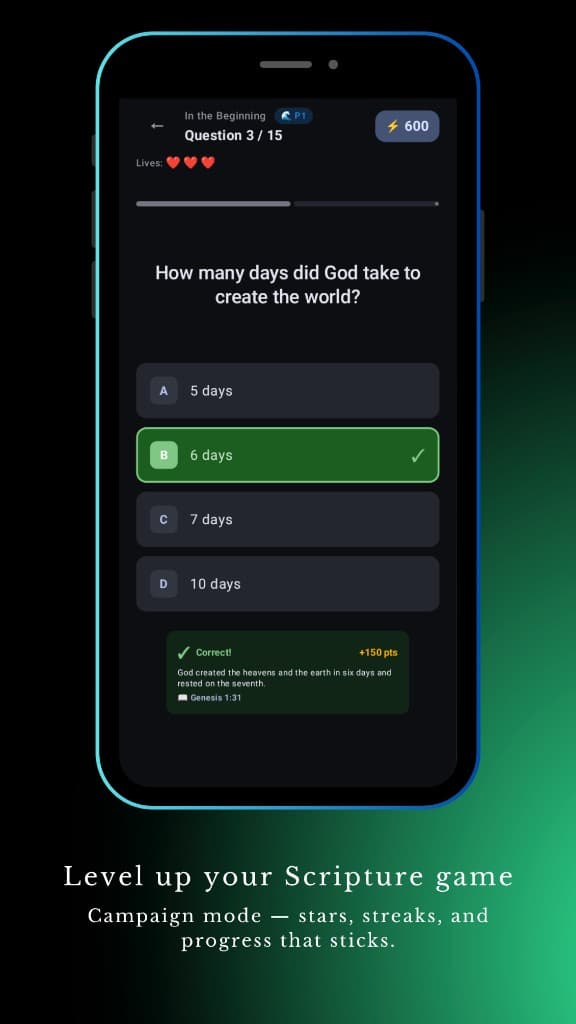
Level up your Scripture game — questions, lives, and scripture feedback after each answer.
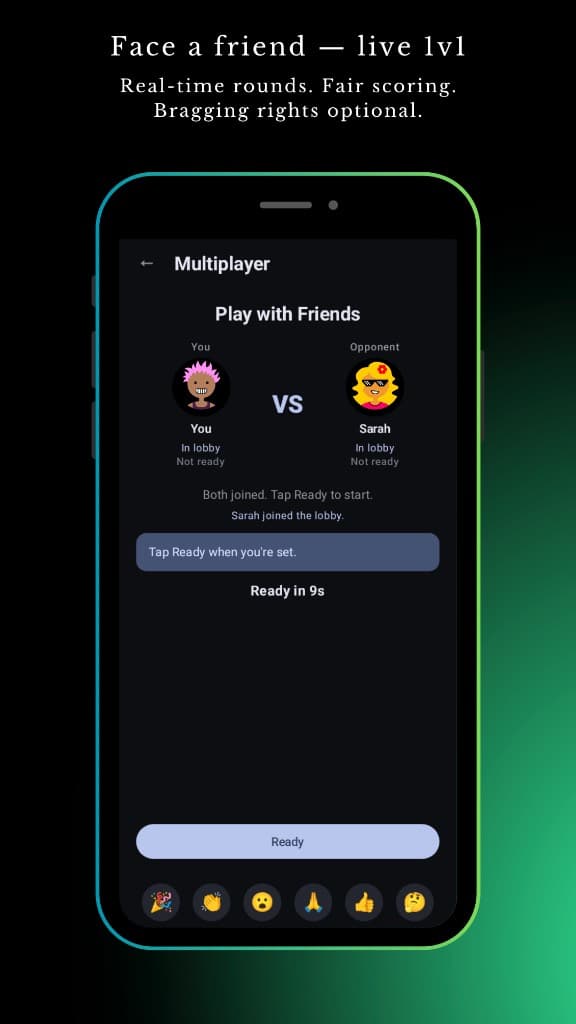
Face a friend in live 1v1 rounds — fair scoring and a ready-up lobby.
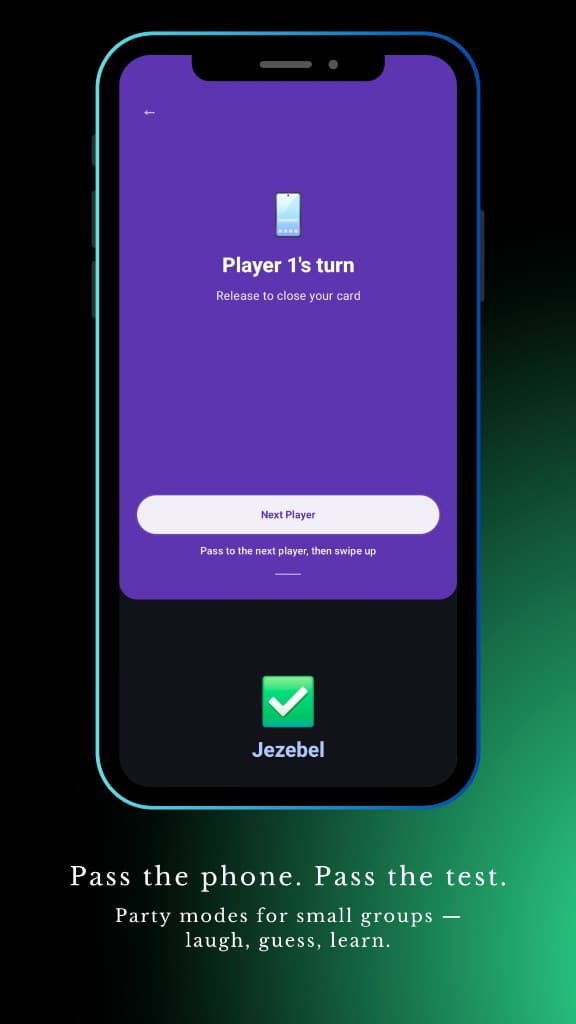
Pass the phone — local party modes for small groups to laugh, guess, and learn.